
ERD-Report Designer
The embeddable report, label and receipt designer for your website: your users design in your application, ERD-Report Cloud renders the result.
Design reports, labels and receipts inside your own application
One script, one stylesheet, Canvas 2D.
ERD-Report Designer is the browser-based designer for embedding in your website. Your users design report and label templates in your web application; your server sends the template and data to ERD-Report Cloud and gets back a PDF, a DOCX, an XLSX workbook, a web page (HTML), an image or label bytes. The designer and the renderer share one template format, so what is drawn on the canvas is what prints.
How to render
A template is rendered by one of three ERDesigns products: ERD-Report Cloud as a hosted service with plans and an API key, the ERD-Report Renderer as one binary inside your own process, or the ERD-Report Server as a service in your own infrastructure. All three draw the same template format, so the designer side of an integration does not change when you pick a different one.
Compare the threeThree ways to render a template
ERD-Report Cloud
The hosted service: your server posts the template and its data with an API key and gets the finished document back. Nothing to install, nothing to keep running. Plans differ in how many renders a month they include.
ERD-Report Renderer
The same engine as one static binary in your own process: a request on stdin, the document on stdout. For the data that may not leave the machine. Licensed per customer, per year.
ERD-Report Server
The same engine as a container in your own infrastructure, answering one HTTP route. Your own endpoint, the same request shape as the cloud. Licensed per customer, per year.
At a glance
The same families the render service draws with, shipped with the designer.
Defined by the template contract.
Nothing is downloaded at run time.
The receipt designer
The same embedding mounted for receipts: the page is the printable strip of the roll (58 mm or 80 mm), the content is bands, and the template targets ESC/POS with the print head density and the cut. A receipt is a third target next to paper and label, not a kind of label, and a plan renders it separately.
What the designer gives your users
Paper reports with bands
Report header and footer, page header and footer, group headers and footers, and a detail band that repeats for each row of its data source. Bands paginate automatically.
Label designer
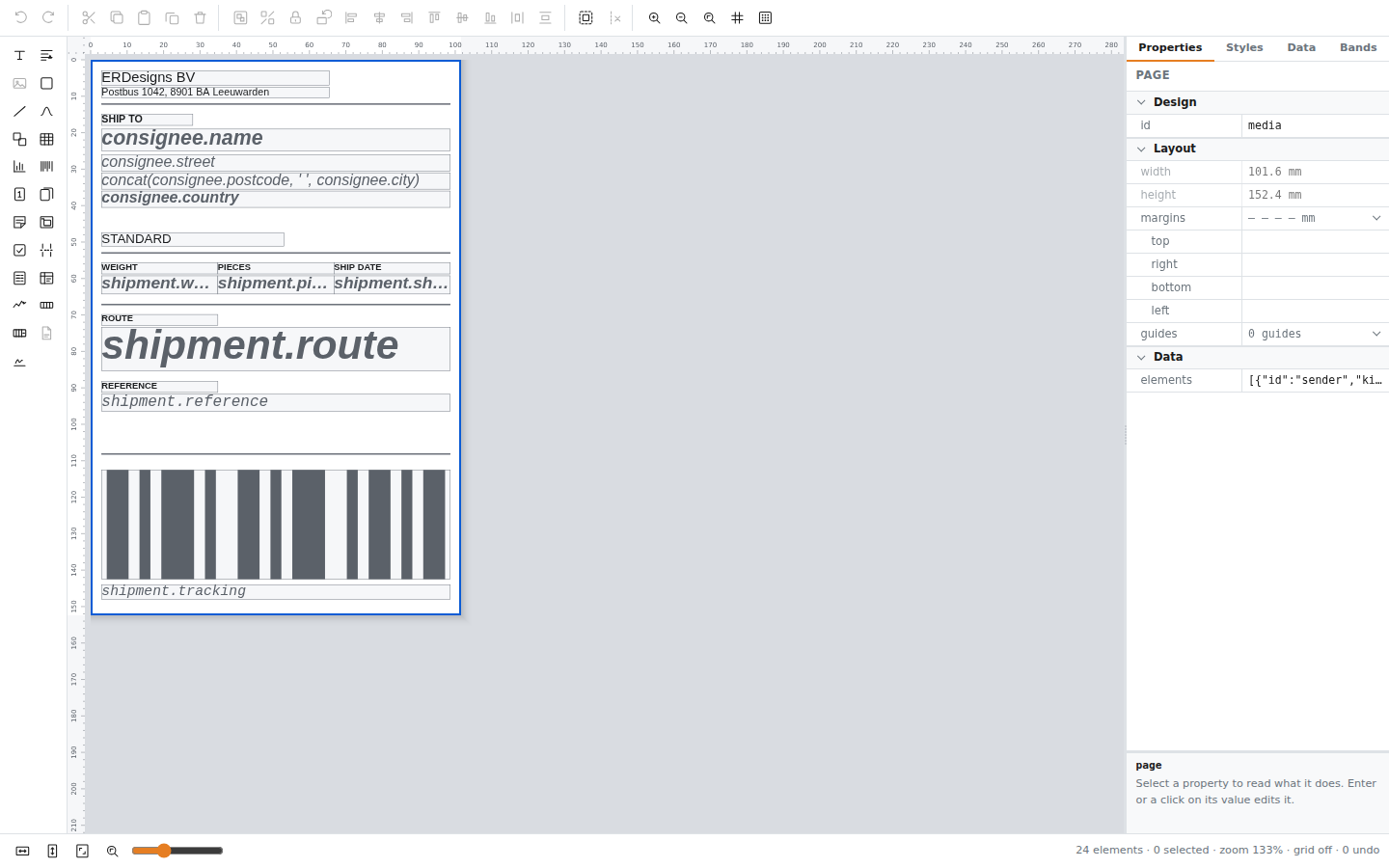
The same embedding mounted as a label designer, for ZPL, TSPL, EPL2 and DYMO labels with the label stock in millimetres and the print head density.
Barcodes, charts and tables
Seventeen barcode kinds, charts, tables, rich text and images, placed on a canvas with a property grid, styles and conditional formatting rules.
Expressions, not code
Values and formulas are expression strings such as row.total. A template never contains code, so storing and rendering templates from your users is safe by design.
Your house style
Colour tokens for the canvas, CSS variables for the chrome, light and dark mode, and a composition option that hides the tools you do not want to offer.
You own storage and access
The designer imposes no storage backend. Authentication, authorisation, template persistence, assets, fonts and sample data stay with your application.
Receipt designer
The same embedding mounted as a receipt designer, for ESC/POS receipts: the roll width (58 mm or 80 mm), the print head density and the cut. A receipt is a kind of its own, not a kind of label.
The designer
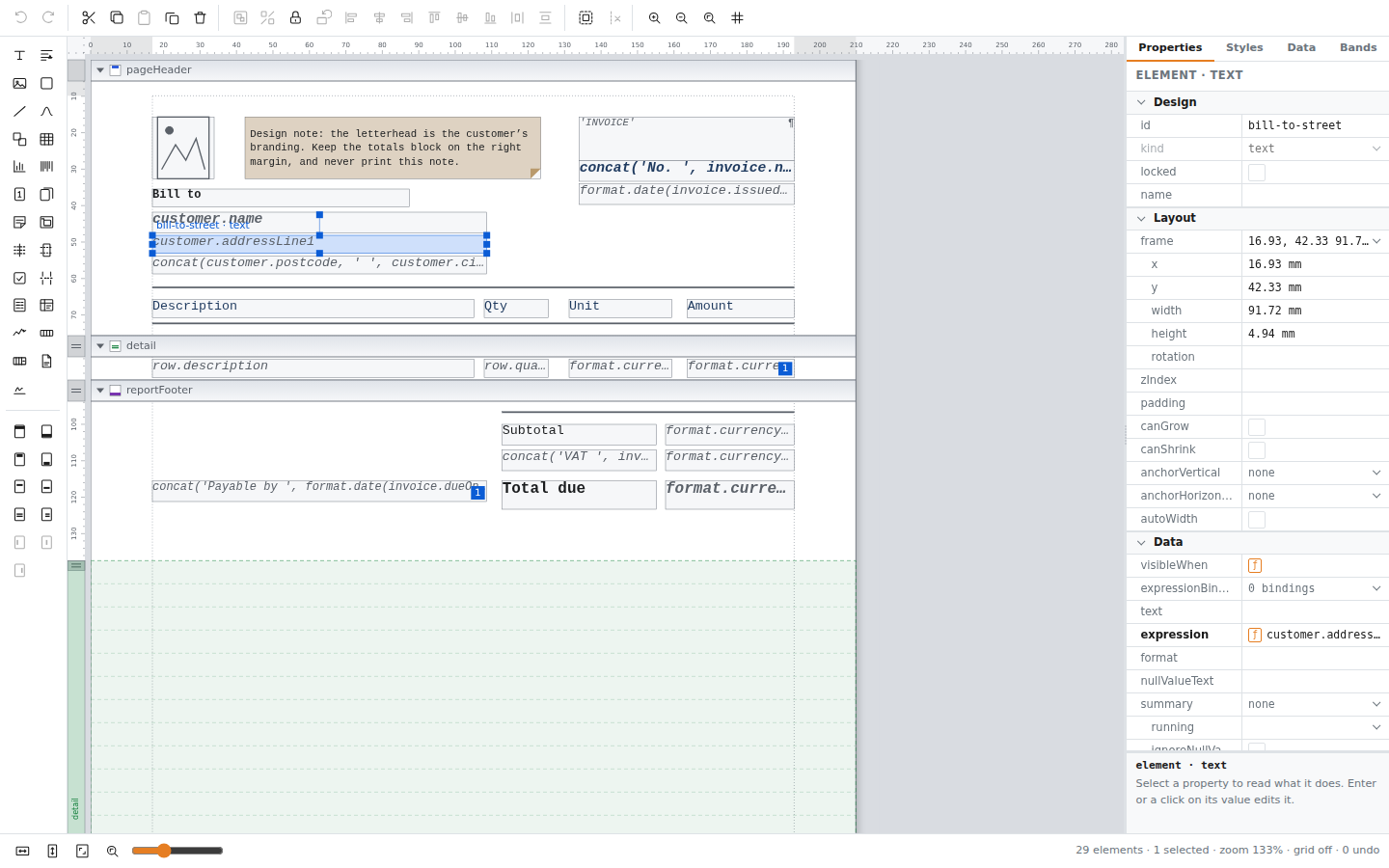
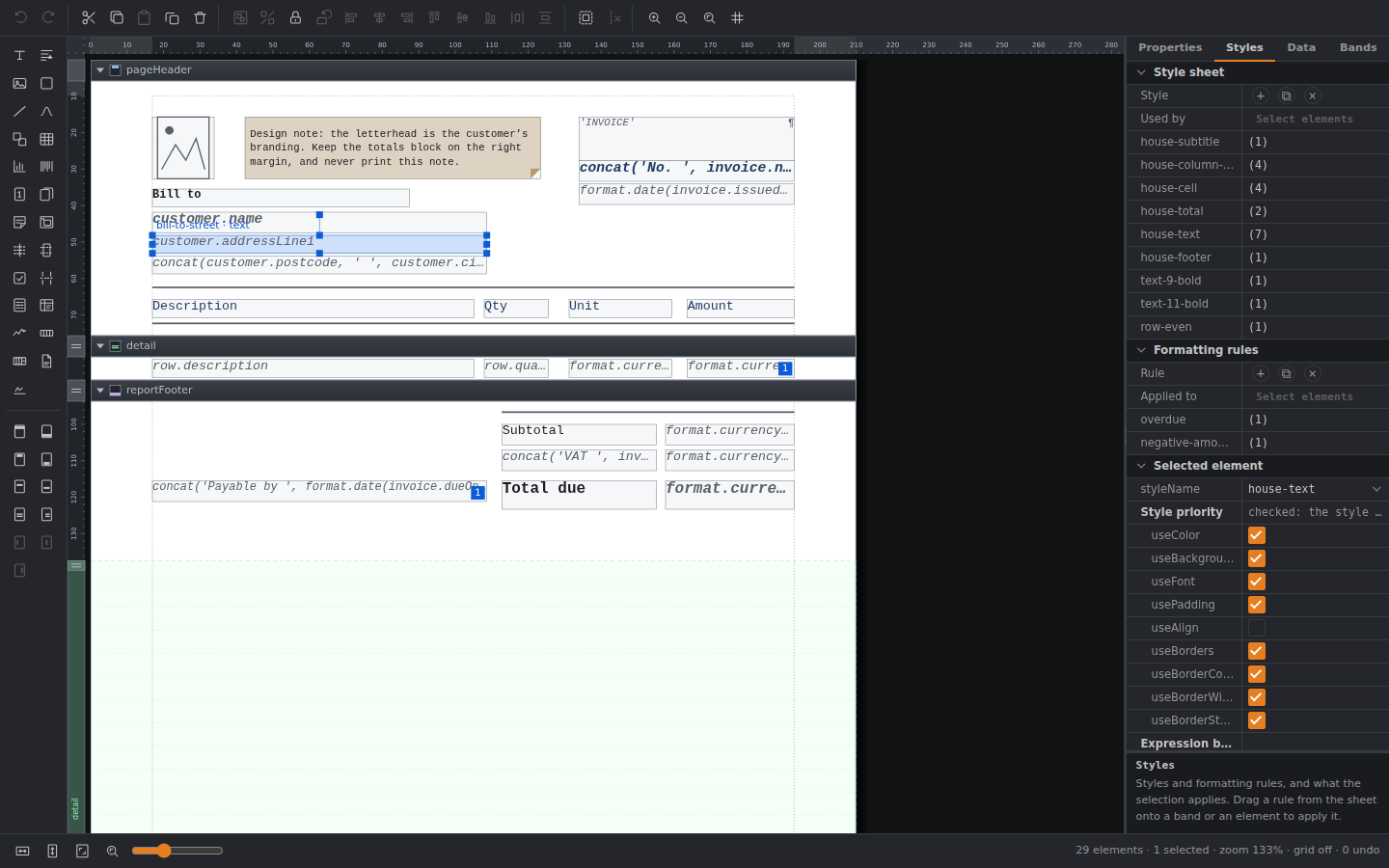
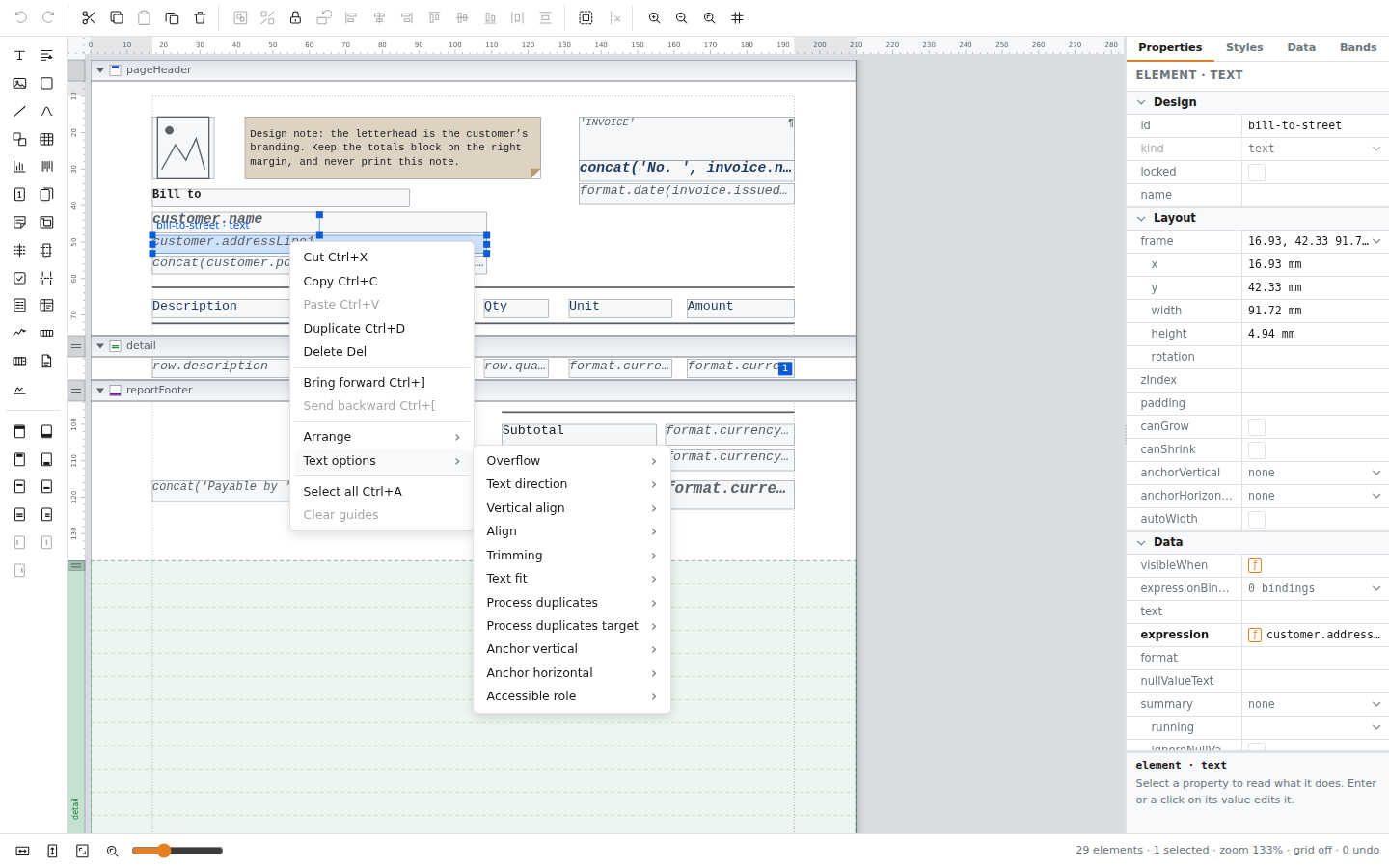
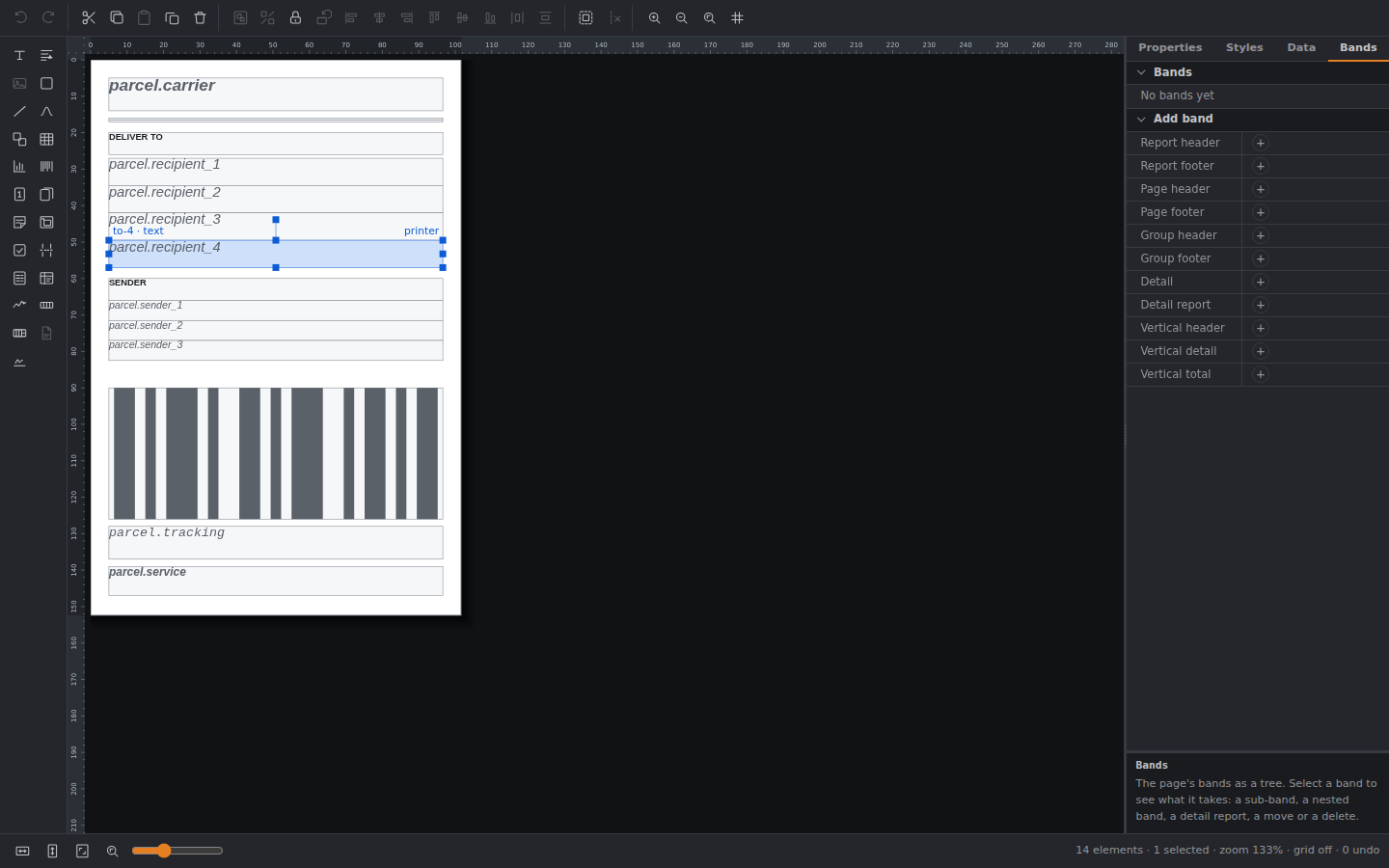
A full report designer in the browser: palette, canvas with rulers and band rows, a property grid, styles, data bindings and context menus. Light and dark mode follow your page.
The label designer
The same embedding mounted in label mode: a label on its stock in millimetres, drawn for ZPL, TSPL, EPL2 or DYMO, with the print head density the printer uses.
Real output
Invoice
Download the sample invoice to see how a report designed in ERD-Report Designer looks as a PDF, ready to share or print.
Download PDFInvoice
Explore the same invoice in Word format, with an editable layout you can open in Microsoft Word or another compatible editor.
Download DOCXInvoice
Explore the same invoice in Excel format, with an editable layout you can open in Microsoft Excel, Google Docs or another compatible editor.
Download XLSXShipping Label
Download the sample shipping label in ZPL format to inspect the generated printer commands or try it with a compatible label printer.
Download ZPLHow it works
Mount the designer
Load report-designer.js and report-designer.css from your own origin and call ErdReportDesigner.mountReportDesigner on an element.
Your users design
They build a report or label on the canvas. documentJson() returns the template as JSON, ready for your own storage.
Send template and data
Your server posts the template and the data to ERD-Report Cloud with its API key. The key never reaches the browser.
Get the document
The response is the finished PDF, DOCX, XLSX, HTML, PNG, JPEG, WebP or label bytes.
The designer is for embedding in your own website and is not charged for separately.
Rendering is done by one of three ERDesigns products. ERD-Report Cloud is the hosted service, with plans and an API key. The ERD-Report Renderer is the same engine as one static binary inside your own process, and the ERD-Report Server is the same engine as a container in your own infrastructure; both are licensed per customer, per year. A private cloud or on-premise deployment is arranged with us.
Host the designer script with your application; do not publish it on a public CDN.
Download
Frequently asked questions
Does the designer render PDFs in the browser?
No. The browser script designs and previews templates; the document itself is drawn on your server by one of three ERDesigns products: ERD-Report Cloud as a hosted service with an API key, the ERD-Report Renderer as one binary inside your own process, or the ERD-Report Server as a container in your own infrastructure.
What does the designer cost?
The designer is for embedding in your own website and is not charged for separately.
Rendering is a product of its own: ERD-Report Cloud is the hosted service, with plans and an API key. The ERD-Report Renderer and the ERD-Report Server are licensed per customer, per year, and the renderer has a Free edition for personal use and evaluation.
Do I get the renderer?
Yes. The ERD-Report Renderer is the same engine as one static binary in your own process: a request on stdin, the document on stdout. Its Free edition covers personal use and evaluation with every output format enabled and no watermark; Standard and Enterprise licences cover commercial use. The ERD-Report Server is that same engine as a container in your own infrastructure and is licensed the same way. ERD-Report Cloud stays the hosted option, with plans and an API key.
Can I get a free trial for ERD-Report Cloud?
Yes. Contact ERDesigns to request a trial of ERD-Report Cloud and see what it does for your application. If the data may not leave your own machine, the renderer's Free edition is the way to try the same engine instead.
Do I need a framework or a bundler?
No. The designer is one classic script and one stylesheet with no dependencies. Applications with a bundler or written in TypeScript can use the package build instead.
Can I restyle the designer?
Yes. The chrome is restyled through CSS variables, the canvas through colour tokens for light and dark mode, and the composition option hides the tools you do not want to offer.
Where are templates stored?
In your application. The designer returns the template as JSON and imposes no storage backend.
Which browsers are supported?
Evergreen Chromium, Firefox and Safari.
Can the designer design labels?
Yes. A template carries a target of paper, label or receipt. A label targets ZPL, TSPL, EPL2 or DYMO with the label stock and print head density; a receipt is a kind of its own and targets an ESC/POS receipt printer with the roll width, the print head density and the cut. The same embedding mounts as a label designer or as a receipt designer.